More trucks on the road, less chaos keeping track of them
Once you're past one truck, a group text and a shared notes doc stop working — jobs get double-booked, techs show up to the wrong address, and you're the bottleneck for every scheduling decision. Torqued gives every tech their own schedule and gives you one view of the whole operation.
Quick Overview
Every tech sees their own live schedule — no more group text, no more double-booked trucks.
Assign a job to any tech in one click; scheduling conflicts are flagged automatically before they happen.
See revenue and jobs completed per tech, so you know who's earning what and where to invest.
yourshop.torqued.app/admin/schedule
MON
T. Davis
TUE
P. Lopez
WED
M. Walker
D. Jackson
THU
R. Focus
FRI
E. Miller
Sound like your day-to-day right now?
A new lead comes in and you're the only one who knows which tech has room in their day.
Two techs end up double-booked because nobody was looking at the same calendar.
You have no clean way to see which tech is closing the most jobs — or which one needs help.
Every new hire means re-explaining your scheduling system from scratch, because it lives in your head.
Know exactly who's earning what, every week
Jobs completed and revenue tracked per technician, automatically — no spreadsheet, no end-of-week math. See who's closing the most work and who might need backup, at a glance.
yourshop.torqued.app/admin/team
This week by tech
T. Ramirez
$3,120
14 jobs completed
J. Okafor
$2,640
11 jobs completed
S. Kim
$1,980
9 jobs completed
Built for teams, not bolted onto a solo tool
Role-based scheduling, per-tech visibility, and conflict detection — the features a one-truck plan doesn't need, and a growing shop can't run without.
Assign with confidence
Send any job to any tech from the queue — Torqued checks their schedule automatically and flags a conflict before it becomes a no-show.
→ Stop double-booking trucks by accident
One schedule, every tech
Every technician sees their own live schedule from their own login — no forwarding screenshots or reading off a whiteboard.
→ Cut the daily 'what am I doing today' questions
Performance by tech
Jobs completed, revenue, and margin tracked automatically per technician — know who's earning what without doing the math yourself.
→ Make staffing and bonus decisions with real numbers
Smarter routes per tech
Each tech gets their own optimized route for the day's jobs, cutting wasted drive time across the whole fleet.
→ Fit more billable jobs into every truck's day
Role-based access
Give techs their own jobs and schedule without handing over pricing, other techs' numbers, or the business settings.
→ Delegate without losing control of the business
Conflicts caught automatically
The moment two jobs would overlap for the same tech, Torqued blocks it — before it turns into an angry customer.
→ No more scrambling to fix a scheduling mistake
Why not just keep doing it the old way?
Most shops we talk to are managing multiple techs with some mix of these — here's what changes with Torqued.
Assigning jobs
One click, conflicts checked automatically
Texting around to see who's free
Tech schedules
Each tech has their own live view, always current
A shared doc or whiteboard someone has to update
Performance tracking
Jobs and revenue per tech, tracked automatically
End-of-week manual math, if it happens at all
Onboarding a new tech
They log in and see their schedule — that's it
Re-explaining your whole system from scratch
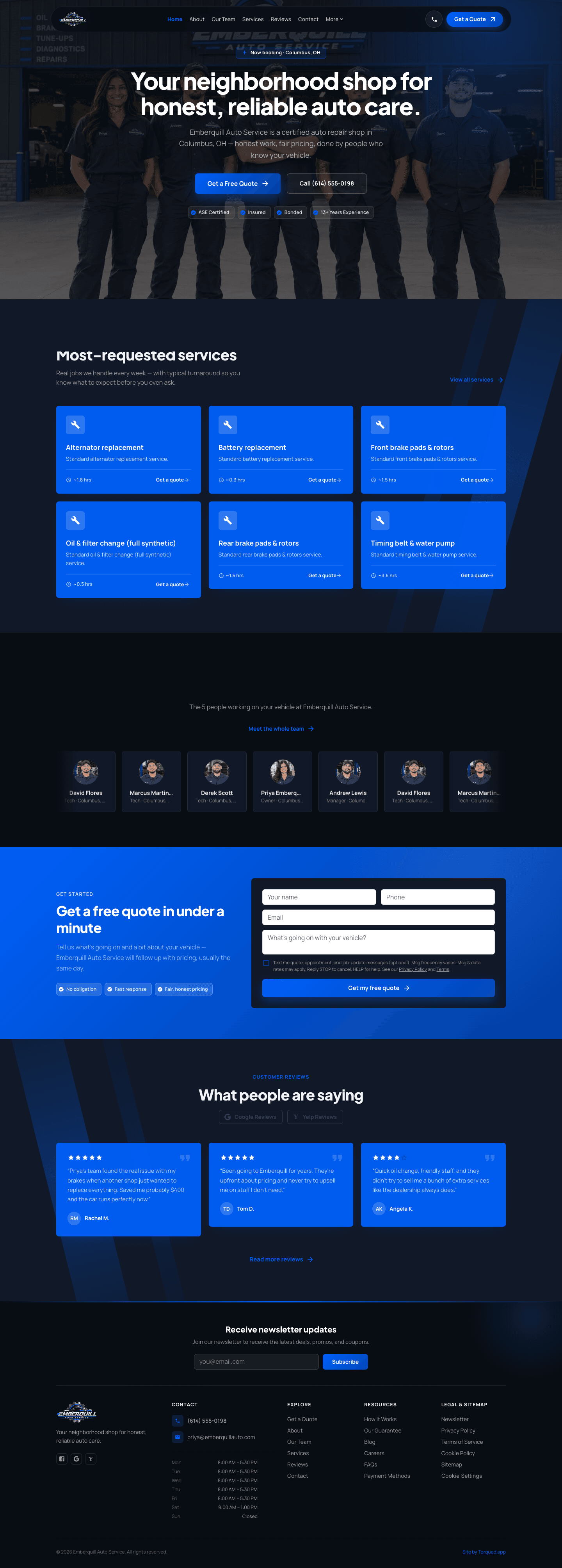
Emberquill Auto Service
Single-location shop — Columbus, OH
A traditional fixed-location shop with a real street address, shop hours, and a 4-person team spanning a manager and three technicians under one roof.
emberquill-auto-service.torqued.app
Questions we hear a lot
How many team members can I have?
Growth includes up to 5 team members; Business is unlimited. Add or remove people anytime as your team changes.
Can techs see each other's schedules?
You control access with role-based permissions — techs typically see their own jobs and schedule, while managers see the whole team.
What happens if two jobs get assigned to the same tech at the same time?
Torqued flags the conflict the moment it happens, before the job is confirmed — not after a tech shows up double-booked.
Can I track which tech is bringing in the most revenue?
Yes — jobs completed, revenue, and margin are all tracked per technician automatically, no manual reporting needed.
We already use a group text for scheduling — is switching worth it?
Most multi-tech shops tell us the group text works fine until it doesn't — a missed message means a missed job. One shared, always-current schedule removes that risk entirely.
Ready to get your whole team on one schedule?
Get your team's dashboard live today — 14-day free trial, cancel anytime before it ends.
Start Free Trial